Project Wheelie Tools
Interactive helpers that turn wheelie advice into checklists and timed practice sessions.
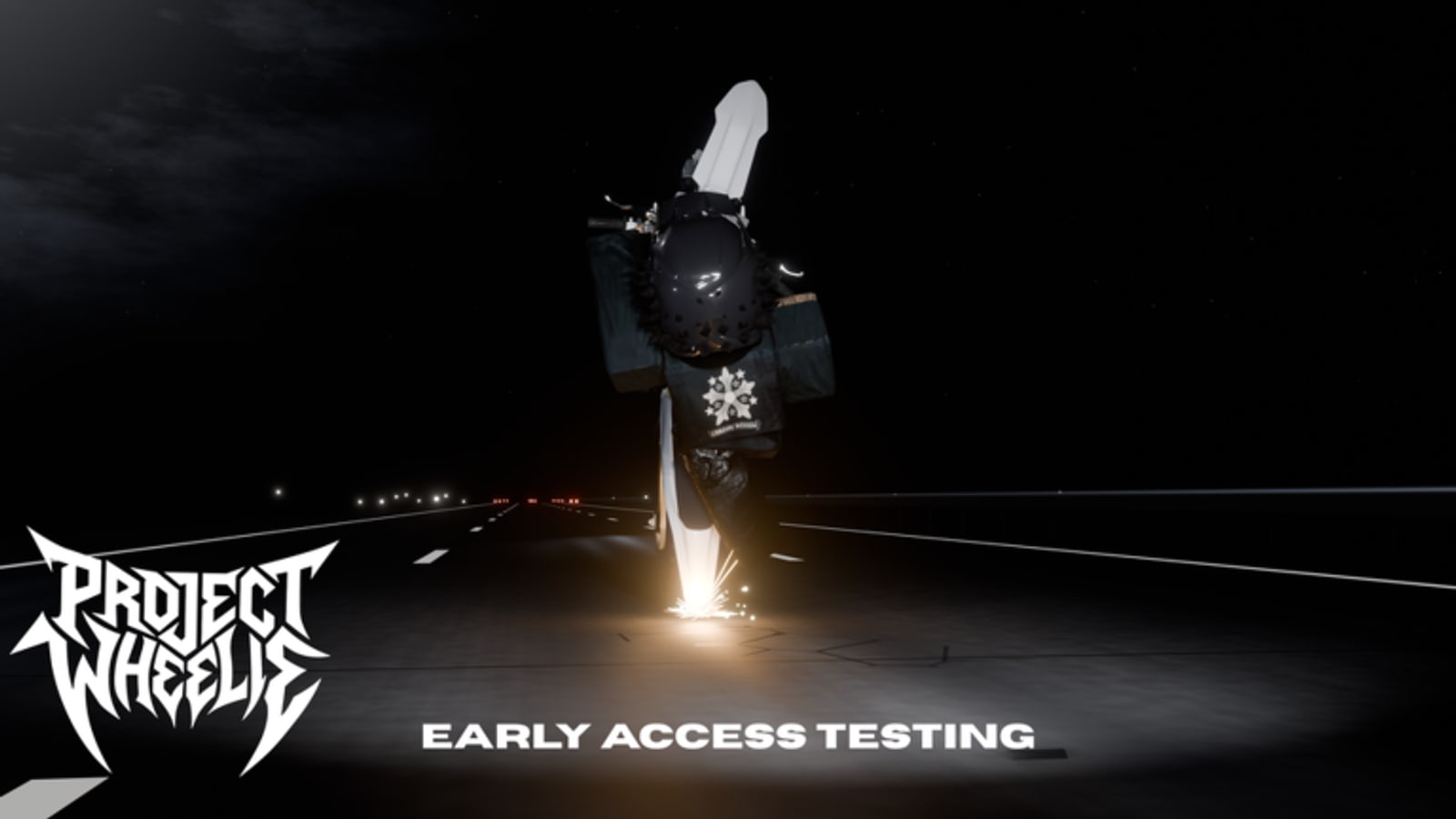
Guides explain ideas. Tools make you execute them. This Tools Hub collects interactive helpers for Project Wheelie’s paid early testing phase, when every minute on the compact map should teach something. Start with the tester checklist, then build timed blocks in the practice planner.
Why tools matter in early testing
Without a finished career log, players forget what they already practiced. A checklist prevents repeat mistakes like enabling traffic too early. A planner stops twenty-minute sessions from dissolving into random cruising.
Tester checklist
The checklist covers group join, description warning, favorites, controls review, traffic-off warm-ups, ramps, turn tracks, traffic-on drills, police swerves, and a feedback note. It stores progress locally in your browser on this device. Open it beside Getting Started.
Practice planner
Pick a session length and a focus: balance, ramps, traffic, or mixed. The planner splits minutes across concrete steps you can copy into a note. Pair the output with How to Wheelie or Ramps and Traffic depending on focus.
How tools connect to the tier list
The Practice Priority Tier List tells you what belongs in S and A tiers. The planner schedules those tiers. The checklist verifies you actually did them before you enable harder props.
Suggested workflow
- Read Getting Started.
- Open the checklist and tick prep items.
- Generate a plan.
- Ride the plan.
- Tick completion items and write one feedback note.
Related pages
Guides Hub, Controls, Map Hub, Updates, Codes.
Turning tools into a weekly habit
Pick two weekdays for short planner sessions and one longer weekend checklist run. Consistency beats marathon days in a physics tester. After each week, compare your hold times and ramp landings. If numbers climb, your tools are working. If numbers stall, change only one variable: focus, length, or prop order.
Tools also help groups of friends compare effort even when servers are solo. Share planner outputs in chat, not just highlight clips. That culture matches what early testing is for. When the free full release arrives with broader systems, you will already know how to practice on purpose.
Related workflow pages
Use Getting Started for access, Controls for binds, Map Hub for props, and Review when deciding whether another purchase window makes sense.
Tool page map
- Tester Checklist for prep and drill gates.
- Practice Planner for timed blocks.
Open both before you spend Robux on a short lunch-break session. Two minutes of planning can save the entire purchase from becoming aimless cruising. When you are done, return here only if you need to choose which tool fits the next day’s energy level.
Frequently Asked Questions
Quick answers to the most common Project Wheelie questions.
Do these tools need an account?
No. Checklist progress stays in local browser storage on your device.
Which tool should I open first?
Use the tester checklist before your first paid session, then the practice planner.
Can I use the planner on mobile?
Yes. Generate a plan, copy it, and keep the note visible while you ride.
Are the tools a replacement for guides?
No. They organize action. Still read How to Wheelie and Test Map Tips for technique.