Project Wheelie Early Tester Checklist
Tick off the prep and drill steps that keep a paid Project Wheelie session focused.
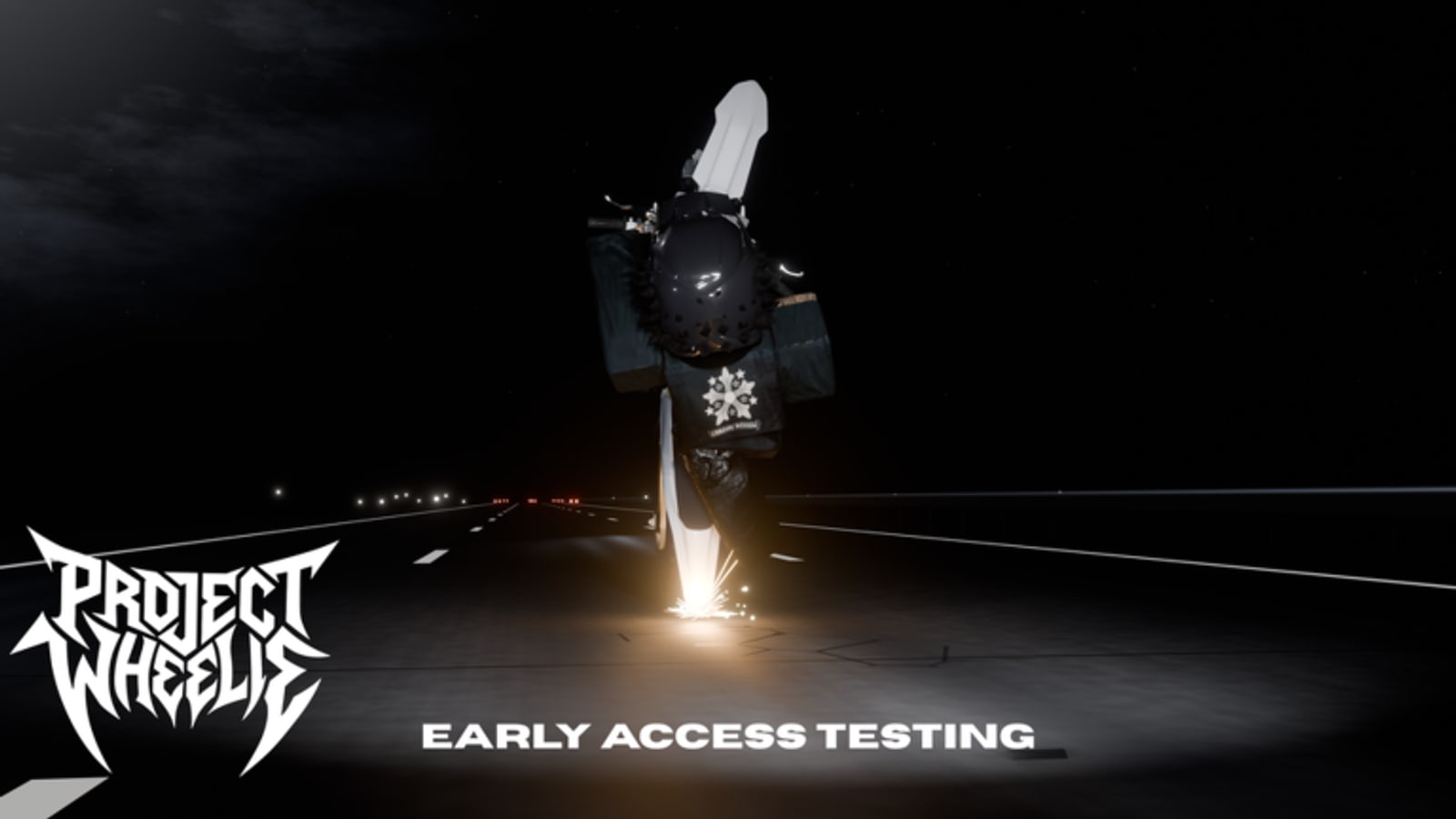
Early testing time disappears fast when you improvise. This page gives you an interactive checklist for Project Wheelie on Roblox so you finish the important steps before chasing clips. Use it with Getting Started and the Practice Priority Tier List.
How to use the checklist
Work top to bottom. Prep items come before map drills. Leave traffic-on tasks unchecked until flat holds feel stable. Reset the box set when a major patch lands and you need a fresh evaluation pass.
Early tester checklist
Tick items as you finish them. Progress stays on this device.
Why each block exists
Group and description items stop you from misunderstanding the paid warning. Controls items prevent bind confusion mid-ramp. Traffic-off warm-ups protect your fundamentals. Ramp and turn tasks build transferable skill. Traffic and police tasks add stress only after the basics. Feedback notes help you remember what to retest after an update on the Updates Hub.
Pairing with a timed plan
After half the boxes are checked, open the practice planner and schedule the remaining drills. If you only have ten minutes, keep S-tier holds and one turn-track block. If you have thirty, add ramps and a short traffic-on segment from Test Map Tips.
Common mistakes the checklist catches
Skipping the official group. Enabling traffic immediately. Jumping to ramps with no recovery practice. Leaving without writing what felt off. Those mistakes waste Robux and produce vague opinions like the game is broken when the session structure was broken.
Related pages
Tools Hub, How to Wheelie, Controls, Map Hub, Review.
Making checklist data useful
At the end of a session, do not only tick boxes. Add a short note under your own diary: longest hold, best ramp, worst mistake, patch date if known. The interactive boxes keep you honest in the moment; the diary makes trends visible across a week of early testing.
If you failed a box repeatedly, demote harder props using the Practice Priority Tier List until that box becomes easy. The checklist is not a dare to enable traffic before you are ready. It is a gate system.
Sharing checklist discipline
When a friend buys access, send them this page before a montage. Watching someone skip prep is how Robux turns into frustration. Prep boxes exist to protect the fun of How to Wheelie drills and Ramps and Traffic links.
Full-session example using the checklist
Minute zero: tick group, description, favorite, and controls review. Minutes one to eight: traffic-off flat holds until the warm-up boxes feel true. Minutes nine to fifteen: turn tracks and ramps. Minutes sixteen to twenty: optional traffic and police if earlier boxes stayed clean. Final minute: feedback note and reset any lie ticks you marked too early.
That example maps directly to Getting Started, Test Map Tips, and Ramps and Traffic. The checklist is the spine; the guides are the technique.
If you only have a short window, tick prep and warm-up boxes only. Partial honesty beats a fully ticked fantasy list. Future you will trust the tool again tomorrow.
Edge cases the checklist still covers
If the traffic toggle is missing after a remodel, mark traffic boxes as blocked in your notes instead of fake-ticking them. If ramps are temporarily broken, keep turn-track boxes active and document the blocker for the Updates Hub retest later. The point is truthful progress, not a perfect green list.
Players who stream their tests can read checklist lines aloud as segment titles. That keeps the broadcast educational and stops chat from derailing the session into unrelated games. Point viewers to Getting Started and How to Wheelie in the description so they are not dependent on a single live explanation.
When you finish a checklist cycle, archive the date and restart. Multiple cycles across a week teach more than one heroic completion screenshot.
Frequently Asked Questions
Quick answers to the most common Project Wheelie questions.
Does the checklist sync across devices?
No. Progress is stored locally in the browser on the current device.
Should I reset after every patch?
Reset when controls, map props, or physics feel different so you re-validate the build.
Can I skip traffic items?
Yes until flat holds and turn tracks are stable. They are intentionally later in the list.
Where do I plan minute-by-minute drills?
Use the Practice Planner tool page.